
Generate a RoadCraft Map From the Real World
Turn a real place into a playable RoadCraft map with terrain, water, trees, deformation, wetness, gameplay zones, and Road Plans from real roads.
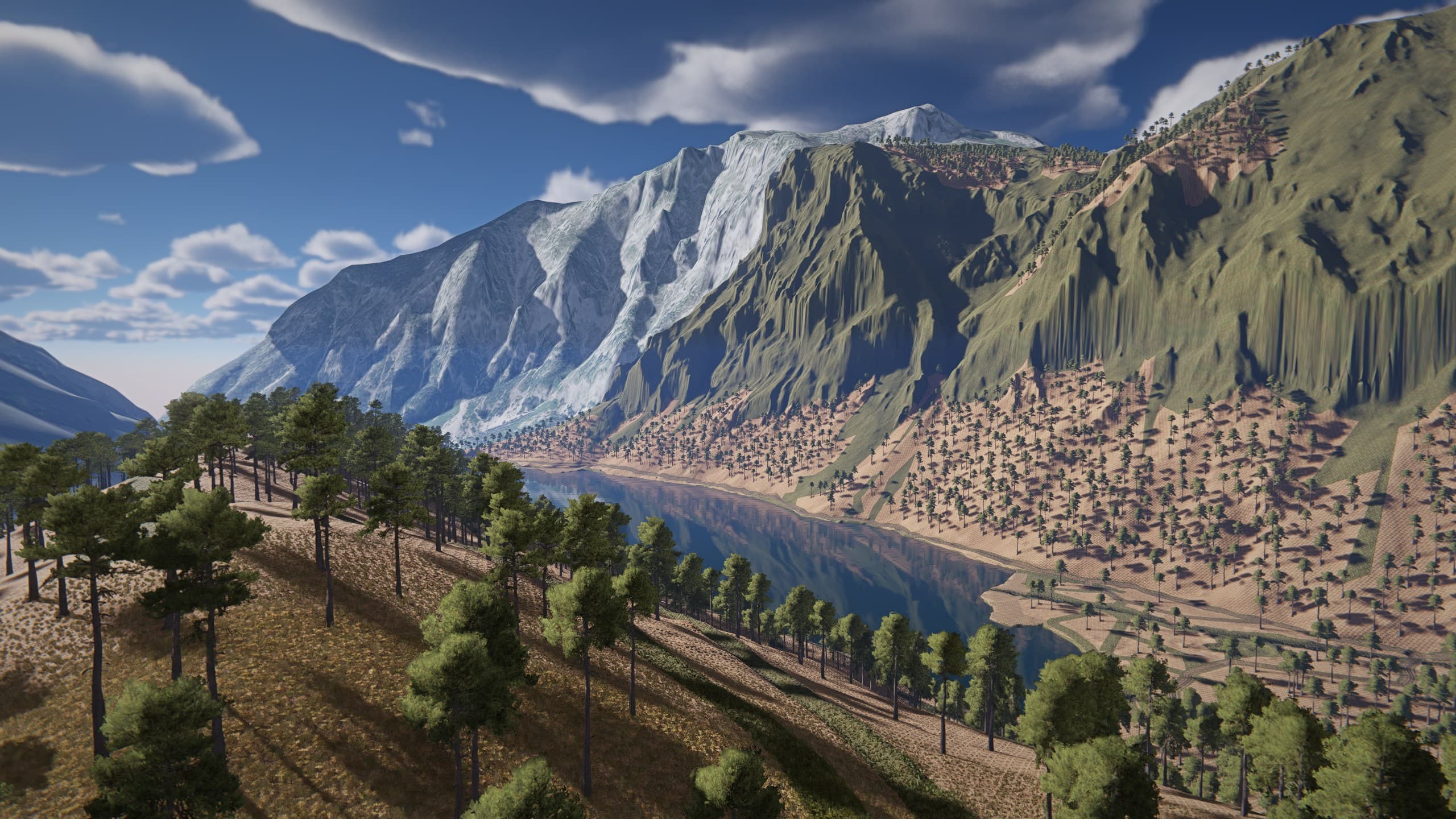
Hey guys.
You can now take a real place and turn it into a playable RoadCraft map in MapToPlay.
Choose the area you want, bring in the real terrain, imagery, and roads, then shape the result in Editor V2. The RoadCraft export supports the game’s native 500 metre, 1 kilometre, and 2 kilometre map sizes.
The export carries across the terrain, surrounding landscape, ground materials, water, stock trees, and buildings. Deformation and Wetness have their own layers, so soft ground and visual moisture can be controlled separately. You can paint them directly, fill them from real features, or use rule based tools. Terrain modifiers handle jobs such as roads, banks, depth, smoothing, and grading without asking you to sculpt every metre by hand.
Gameplay tools are there too. Place the Start Spawn and Recovery Points through the Gameplay Zones layer. Real roads can become ready painted roads, while unbuffered road lines can be exported automatically as editable Road Plans. RoadCraft still leaves objectives and facility wiring to you, but the map and its driving network have a very useful head start.
And I need to say this: I loved Saber’s SnowRunner editor, but I think I love the RoadCraft editor even more. You can literally launch the game from the editor and play the map you are working on. Drive it, test the terrain, see what breaks, then return to editing. That is amazing technology, and it saves an absurd amount of time. Apparently the best debugging tool is still a truck.
RoadCraft support is ready for you to try now. I would love to see which real places you turn into construction sites first.
Stan, Developer of MapToPlay